
Menu
Megan Trebilcock monogram

Mobile App Concept

Cedar Haven Library &
Craftworks App

Scholarship-Winning Design

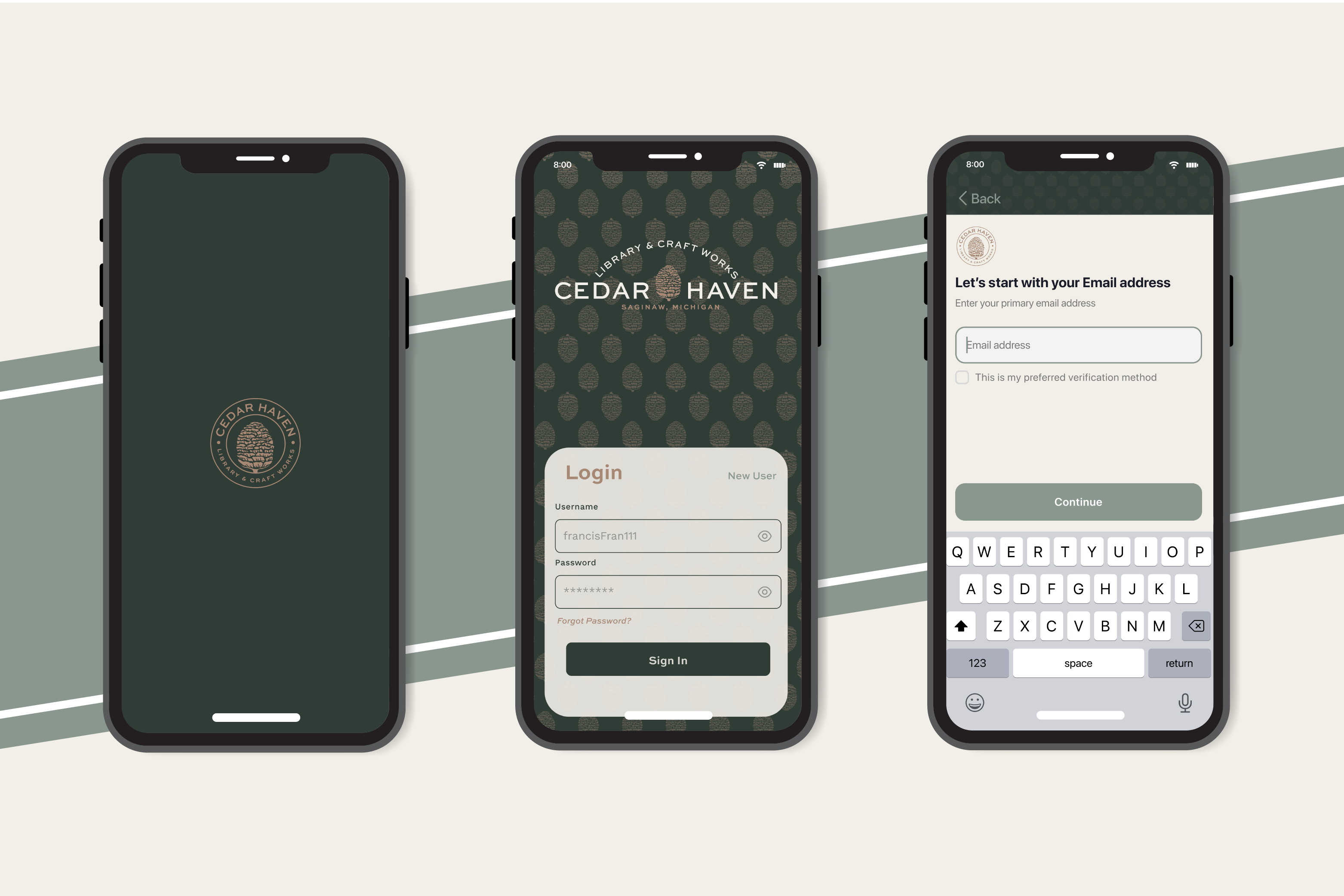
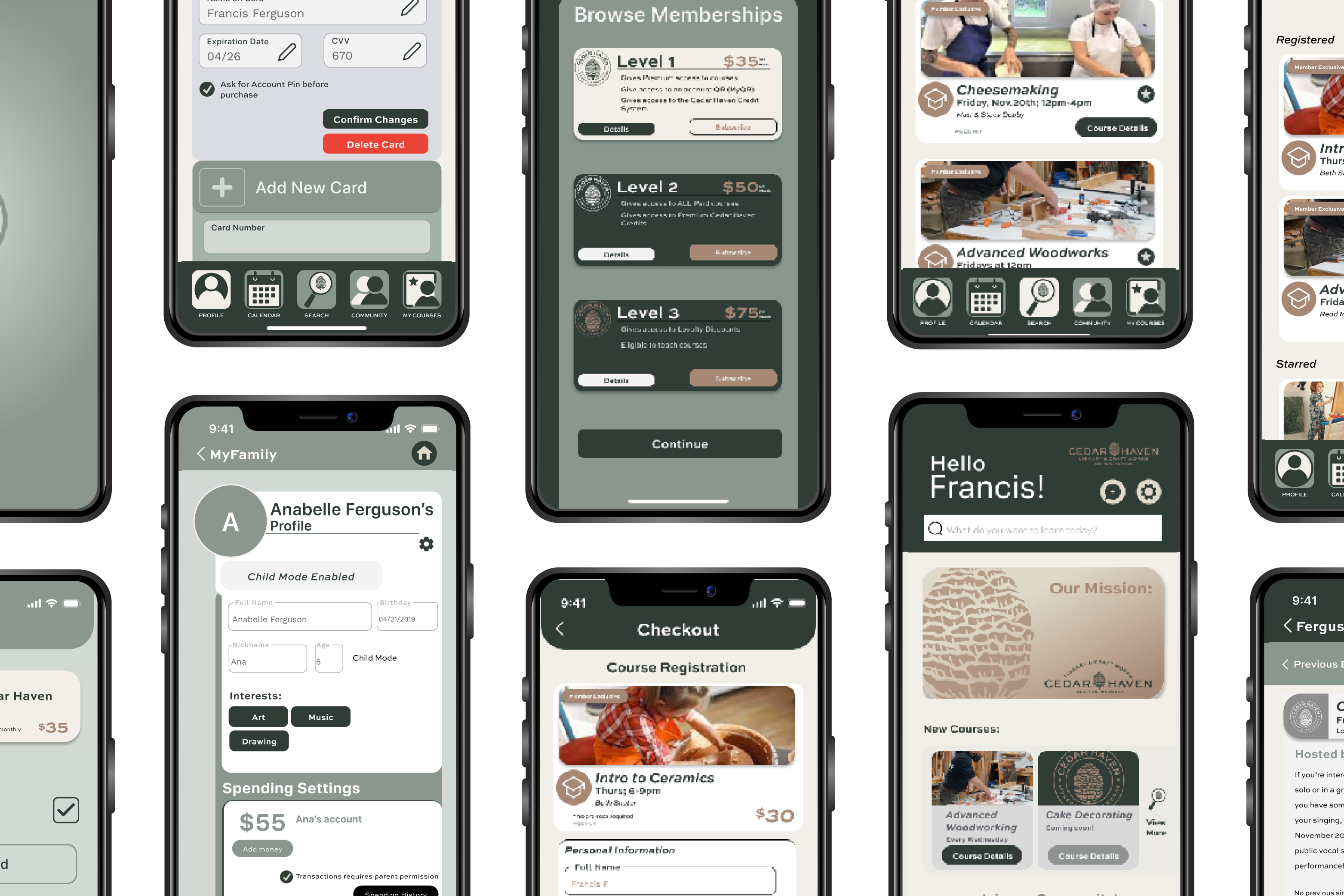
Cedar Haven app screens on phones
Cedar Haven badge

PROBLEM/CLIENT REQUEST

Create a mobile experience that lets residents browse and enroll in classes, manage membership benefits, and participate in Cedar Haven’s community events.

SOLUTION

I organized the app around the program’s core tasks and tested flows with prospective users. The final design adds family-centric features (MyFamily profiles, shared calendar) and low-friction enrollment (Apple Card payments, QR check-in), packaged in a visual system tailored to Cedar Haven’s brand—recognized with a scholarship award.

TARGET MARKET BREAKDOWN

70% Primary Target: Parents

20% Secondary Target: Children (7–18) and Child-Focused Educators/Supportive Adults

10% Tertiary Target: General Users

Designed primarily for parents/members to manage family accounts, registrations, payments, and schedules with clear, low-friction flows. Secondary audiences—children (pre-K–18) and child-focused educators/supportive adults—get curated discovery (browse, wishlist) with protected settings and no access to payments or membership controls. Tertiary non-members can explore limited course listings with clear cues for member-only features. These segments guided participant recruiting and test scenarios.

Device mockup
Three phones app mockup
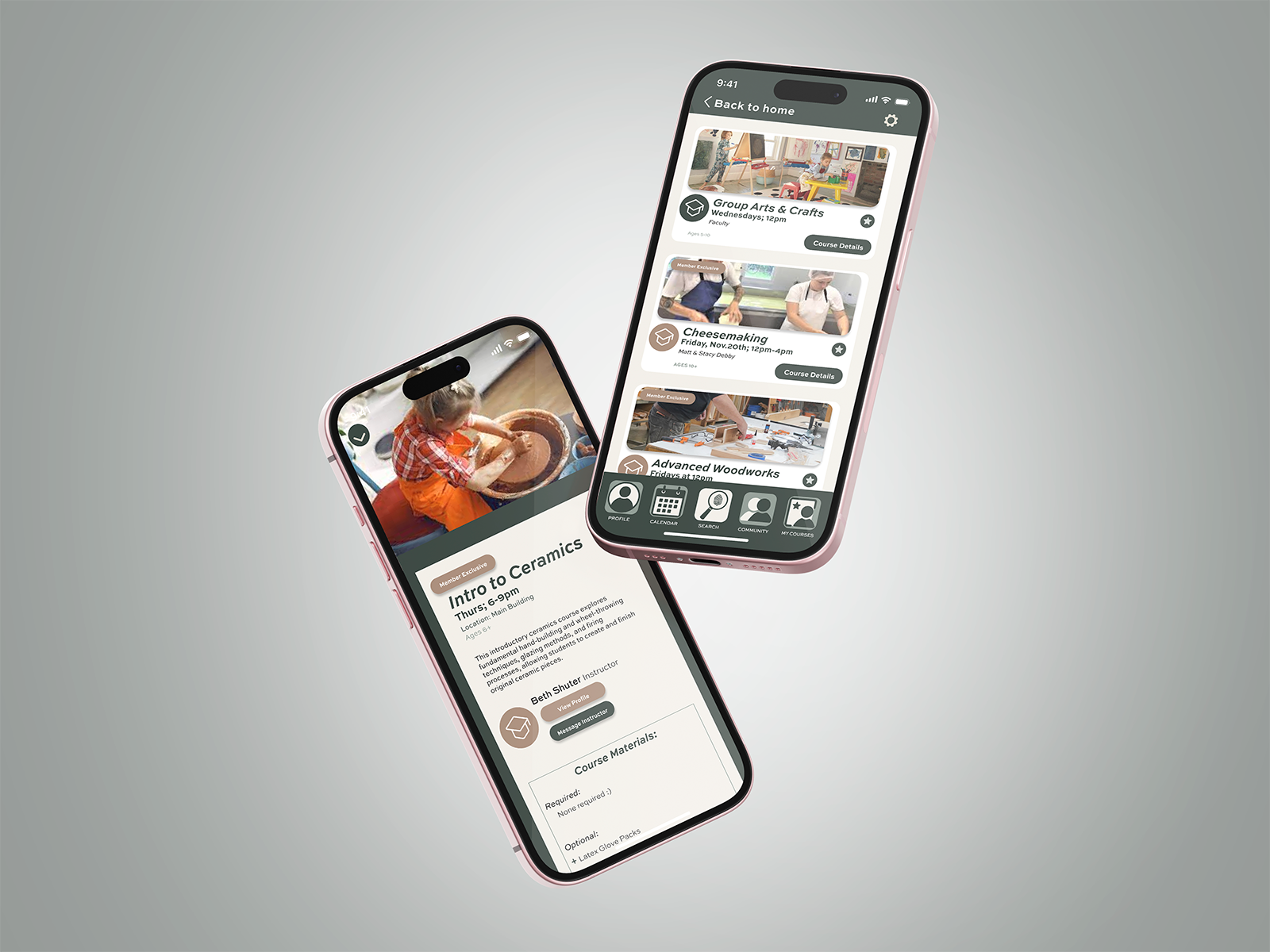
Two phones app mockup

USER TESTING & FEEDBACK

I ran brief interviews and task walkthroughs with three representative users from Cedar Haven’s audience.

  • Parent (primary): Homeschool community member, mother of seven (ages 3–15).
  • Parent (secondary): Father of three high-school students.
  • Educator (tertiary): 3rd-grade teacher without children.

Tasks covered: find a class, add a child via MyFamily, enroll & pay, add to calendar, and RSVP to an event.
DESIGN CHOICES FOR CALENDAR

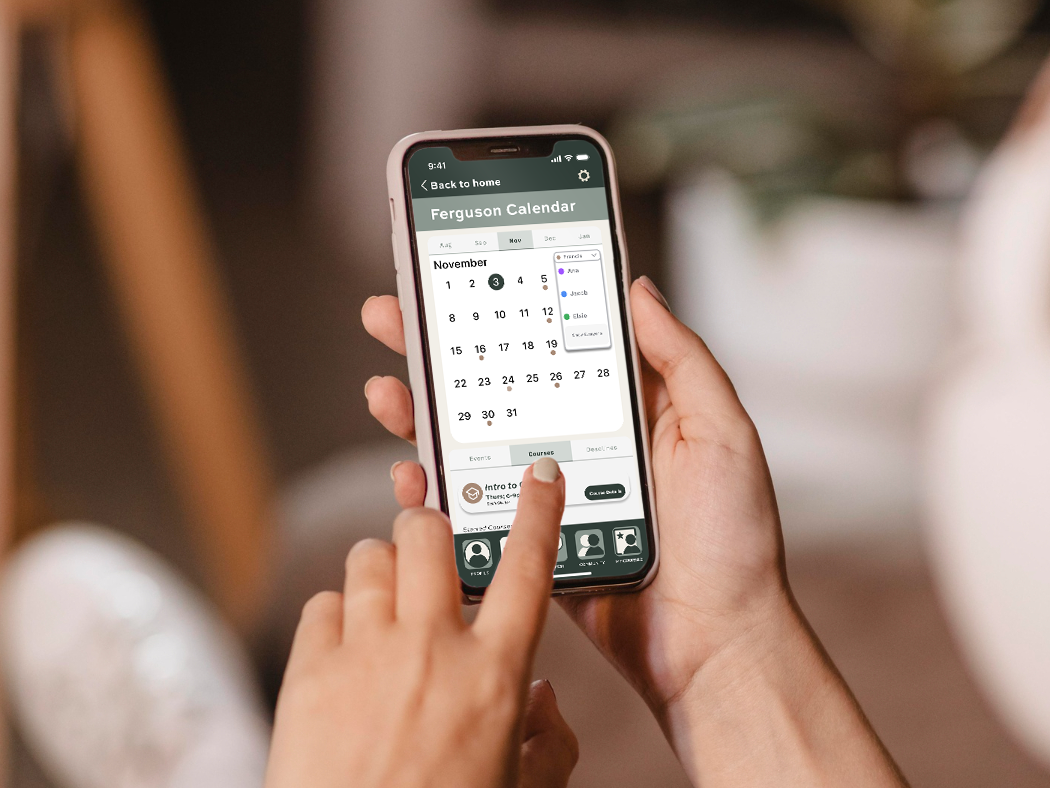
Testing showed the calendar is a primary entry point, so I optimized for quick family scheduling and enrollment.

  • MyFamily switcher: drop-down to view/schedule per child.
  • Color-coded classes for at-a-glance scanning.
  • Payment reminders and due states.
  • Sync to device/family calendar for shared visibility.
  • Events tab inside Calendar: added after users tried reaching events from here.
Person using phone

ADDITIONAL FEATURES

Two family-centric features streamline enrollment and keep sensitive info safe.

MyFamily

Membership unlocks MyFamily—a hub to manage registrations and payments, create child profiles, and let kids browse age-appropriate classes without exposing card details.

MyQR

Each household gets a QR code to add children quickly and pay for small items using a parent-funded allowance. Parents control limits; payment credentials remain private.

Phone collage
Phone mockup
Cedar Haven logo

Explore the interactive Figma prototype for Cedar Haven’s mobile experience.

View prototype here